
Owlglance
Rest your eyes,
the gentle way.
An Android app that reminds the whole family to step away from screens and look far away for 20 seconds. Grown-ups rest at their own pace; kids play with Bo the owl and give their eyes a break.
- No ads
- No account
- Data stays on the phone
- English · Français · Tiếng Việt
The 20-20-20 rule, made easy
Three steps, twenty seconds.
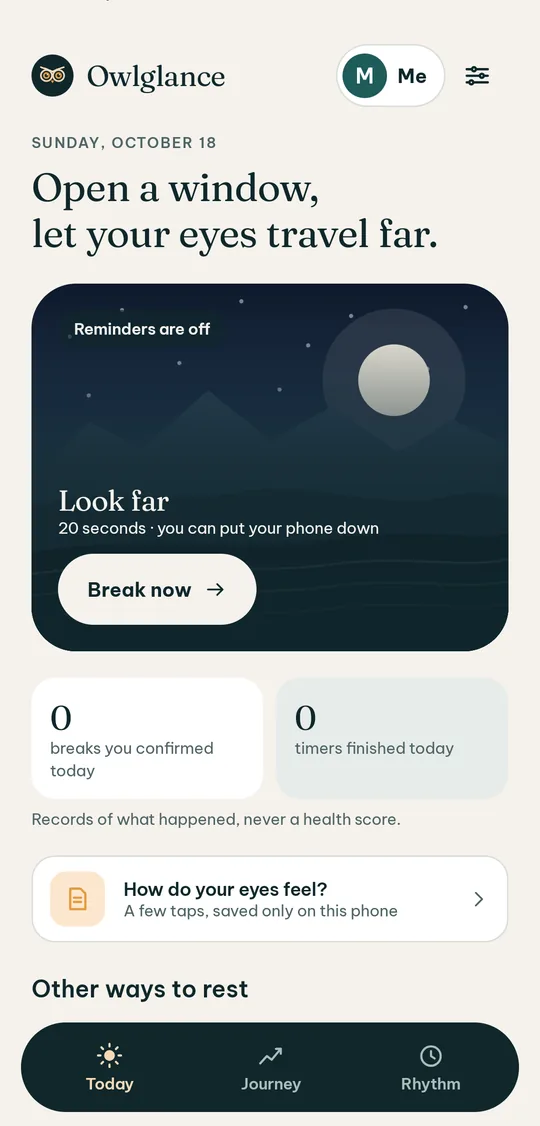
Eye care professionals often suggest that about every 20 minutes of close work, you look far away for about 20 seconds. Owlglance turns that advice into a small, unobtrusive habit.
- 1
A gentle nudge
Reminders on the hours and days you choose. Off by default, and you can turn them off any time.
- 2
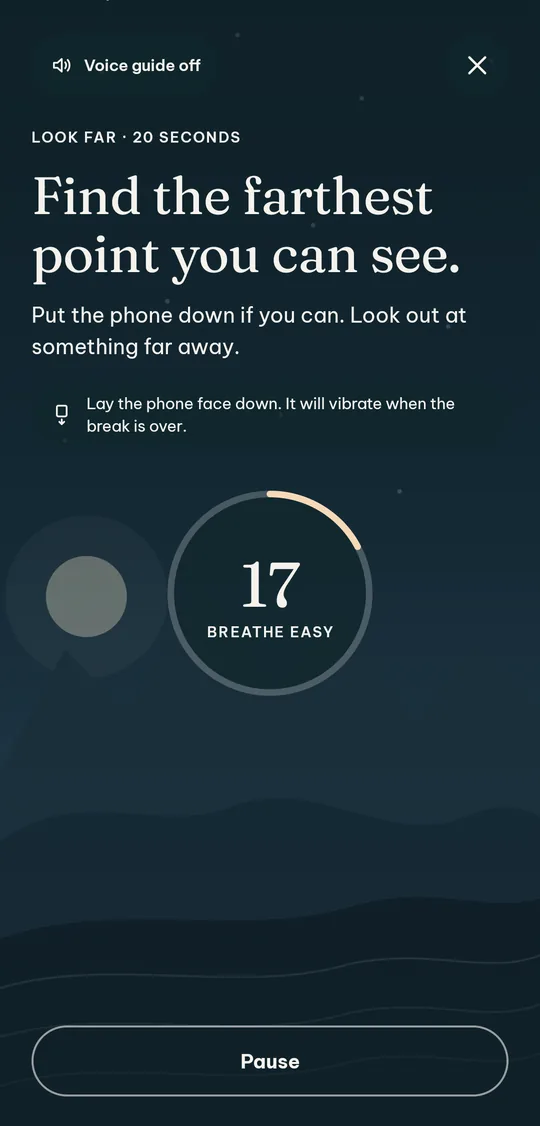
Look far for 20 seconds
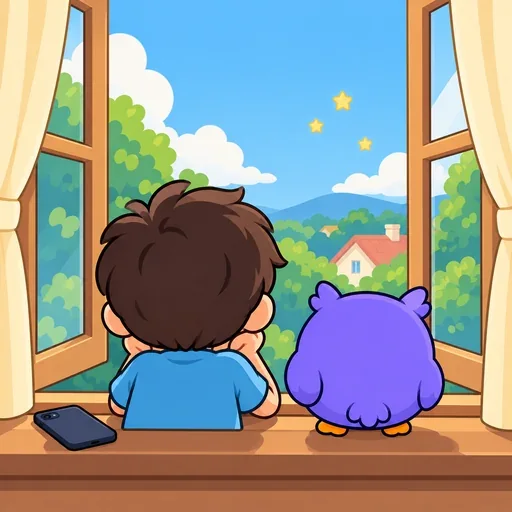
Lay the phone face down and look out of a window. The screen dims, and it buzzes when time is up.
- 3
An honest record
You confirm you rested. The timer never pretends to know whether you looked away.
For grown-ups
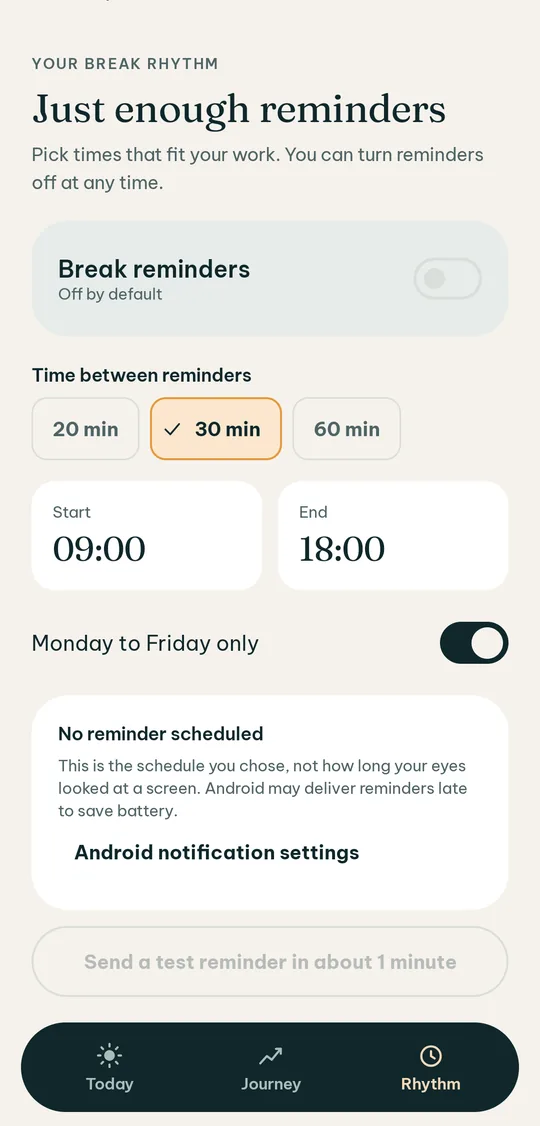
Breaks at the right time, never in the way.
Reminders with manners
Every 20, 30 or 60 minutes, between the start and end times and on the days you pick. Outside them, Owlglance stays quiet.
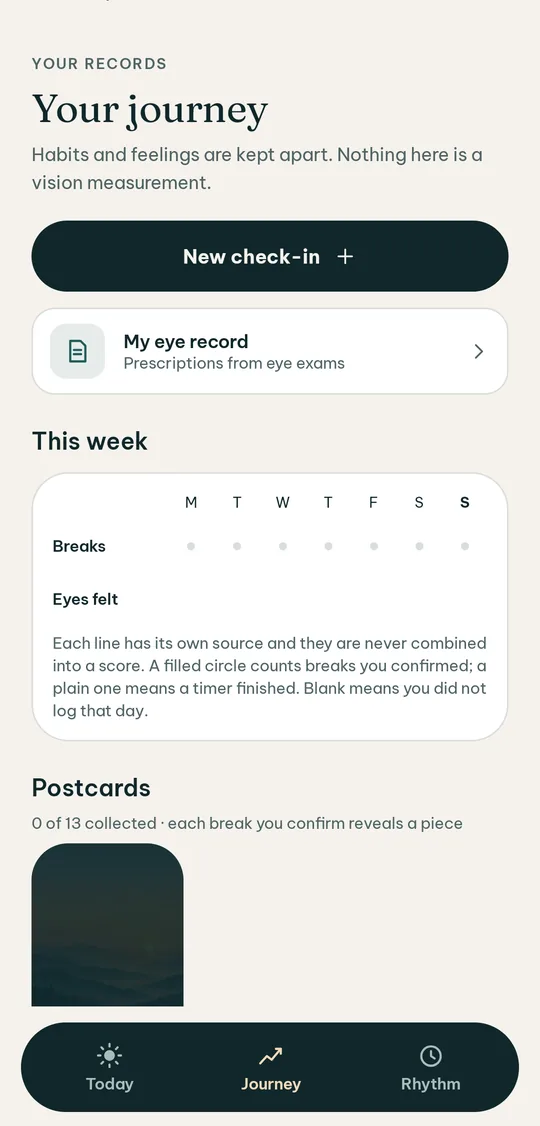
A private journal
Note how your eyes feel and, if you like, a few symptoms. It is your record, never a health score.
Eye record
Copy your glasses prescription from the exam slip, see changes over time, and make a PDF report to bring to your eye doctor.
Offline voice guide
When your phone has an offline voice installed, Owlglance reads the steps aloud without sending any text away.
The kids’ world (ages 4–12)
Play with Bo,
rest those eyes.
A parent creates the child’s profile. Children see a little forest, a friendly owl and short missions that take their eyes off the screen.
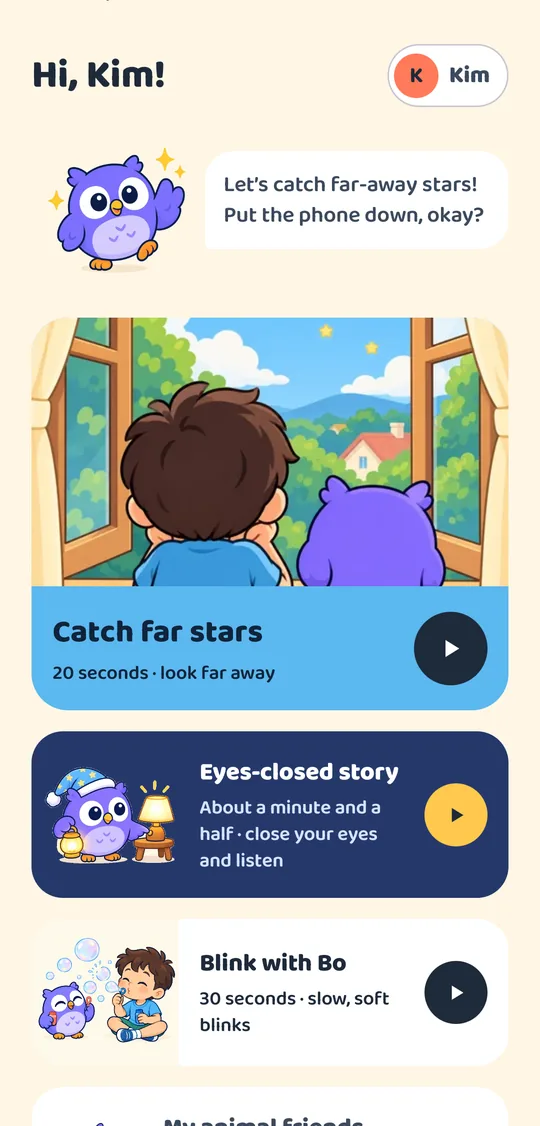
Catch far stars
Find things in today’s colour far outside the window, then tell Bo what you saw.
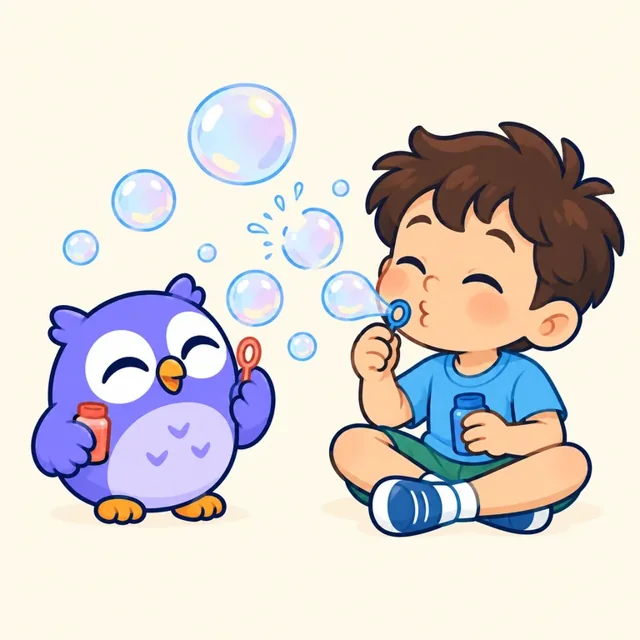
Blink with Bo
30 seconds of slow blinks with the owl; every blink pops a bubble.
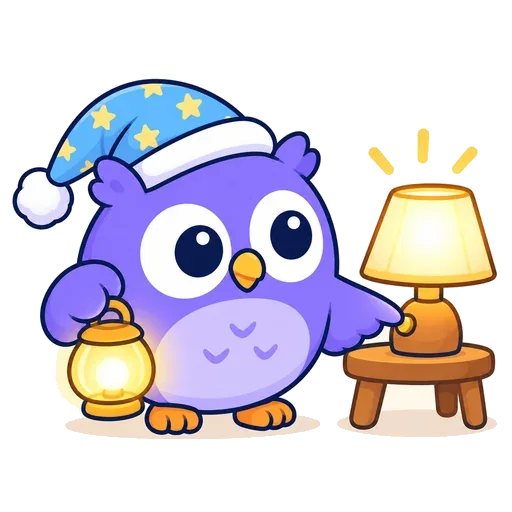
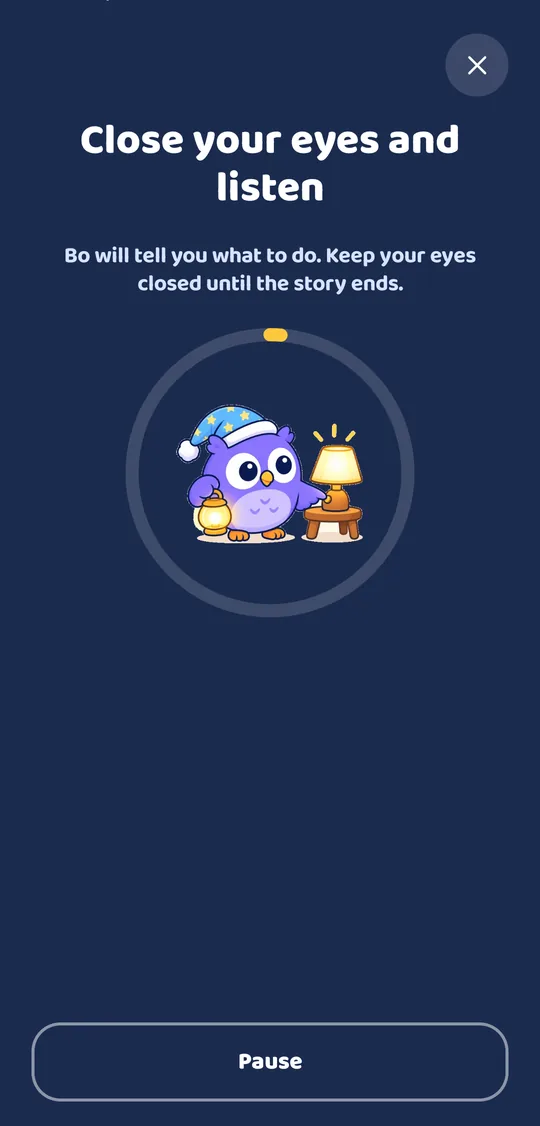
Eyes-closed story
Bo tells a story in a warm voice while the child listens with eyes closed. No screen needed.
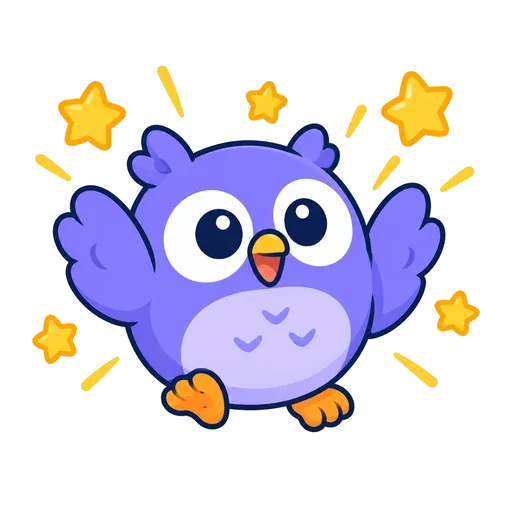
Stars and an animal album
Every break earns stars, and stars unlock animal friends from Vietnam’s and Canada’s forests.
Safe by design
- No ads, no links out of the app and no purchases in the kids’ world.
- Going to the grown-ups’ area needs a parental check.
- A daily screen-time limit set by a parent; once it is used up, only activities that need no screen remain.
For parents
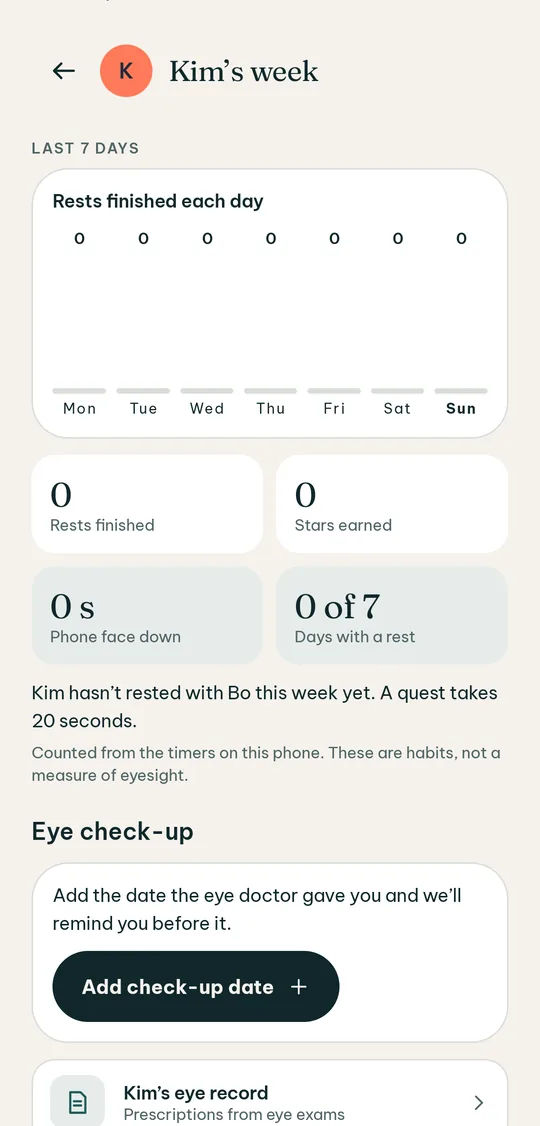
See your child’s week, without watching your child.
Weekly board
Breaks, stars and screen time over the week. A record, not a grade.
Check-up reminders
Enter the date the eye doctor gave you and Owlglance reminds you a few days before, without showing your child’s name on the lock screen.
Support for prescribed patching
If your child’s eye doctor prescribed patching, enter the daily time and Owlglance helps you log it. Owlglance never suggests how long to patch.
Teen profiles
For ages 13–15: the grown-up interface, created and consented by a parent, with the teen’s own agreement; no purchases and no data deletion.
Privacy
Your family’s data stays on your phone.
Encrypted on the phone
The database is encrypted with a key kept in the Android Keystore. Backups and phone-to-phone transfer are turned off.
No account, no tracking
No sign-in, no ads, no analytics tools in the app.
You decide
Export everything or delete it all at any time. Nothing is shared unless you tap Share yourself.
One connection only
Google Play, and only for the optional Owlglance Family subscription.
What Owlglance does not do
Owlglance helps build eye-rest habits. It does not measure vision, diagnose, treat or prevent any condition, and it does not replace an eye exam. If a change in your eyes or your child’s worries you, please see an eye care professional.
Free and Owlglance Family
What matters most is always free.
Free
- Break reminders and rests
- One child profile with the core missions
- Weekly board, check-up reminders, patching support
- Kids’ screen-time limit
- Export and delete your data
- No ads, for everyone
Owlglance Family
- Up to 4 children
- An animal album for every child
- Landscape postcards for your breaks
- Eye record and the report for the doctor
A Google Play subscription with a free trial; the price is shown in Google Play for your country. Owlglance reminds you 2 days before a trial ends. Cancel any time in Google Play.
Questions
Will Owlglance make my eyes better?
Owlglance helps you remember to rest and look far away, a habit eye care professionals often recommend. It does not promise better vision, and it does not diagnose or treat anything.
Do I need an account?
No. Everything stays on your phone, encrypted.
Is Owlglance on iPhone?
For now it is available on Android 10 and later.
How do children use it?
A grown-up opens the app first, then creates a profile for the child (ages 4–6, 7–12 or 13–15) and gives consent for them. From age 7, children are also asked for their own agreement. Teens aged 13–15 use the grown-up interface.
Does the app collect data?
Owlglance sends nothing to us. The doctor report, a data export or a technical report leave the phone only when you tap Share yourself.
What if I change phones?
Backups are turned off to protect health data, so export your data before switching phones to keep a copy for yourself.
How do I cancel Owlglance Family?
In Google Play under Payments & subscriptions, or with the Manage button in Owlglance. Your saved records stay readable, exportable and deletable after you cancel.
Which languages?
English, French and Vietnamese. Change it in the app’s Settings.
Want to try it early?
Owlglance is getting ready for a closed test on Google Play. Email us to get an invitation.
Email us